// Guide · Free PDF
6 free GitHub repos that get more out of Claude
Web pages become videos, one sentence becomes a diagram, and Claude X-rays apps: these six repos are open source and free. Here is what each one does, how to install it and what to check first.
Everything from the PDF is on this page too, with more detail, the reel and answers to common questions. Feel free to keep reading. Free, no email address needed.
The 6 repos at a glance
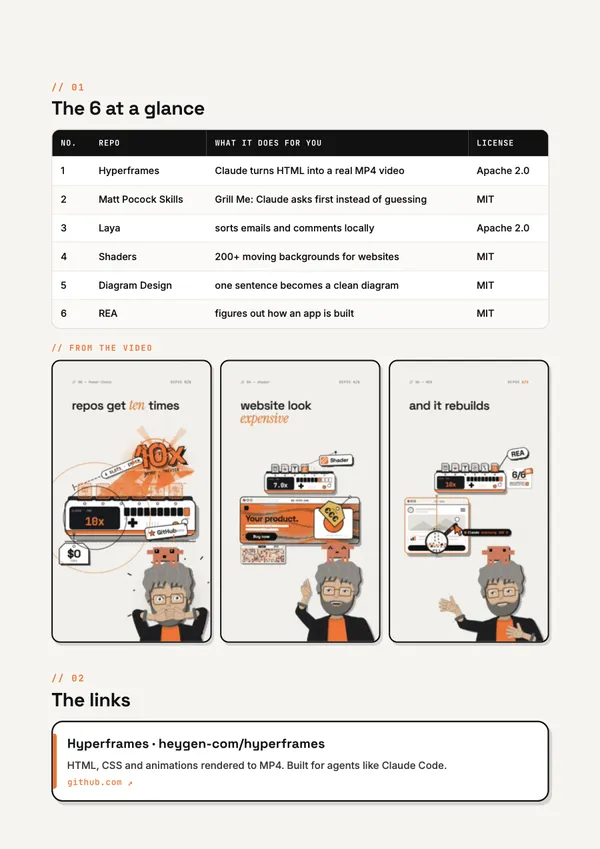
On its own, Claude is an assistant. With these six repos, it becomes a whole studio: for videos, better answers, local text AI, website effects, diagrams and reverse engineering. All of them are open source and free.
| No. | Repo | What it does for you | License |
|---|---|---|---|
| 1 | Hyperframes | Claude turns HTML into a real MP4 video | Apache 2.0 |
| 2 | Matt Pocock Skills | Grill Me: Claude asks first instead of guessing | MIT |
| 3 | Laya | sorts emails and comments locally | Apache 2.0 |
| 4 | Shaders | 200+ moving backgrounds for websites | MIT |
| 5 | Diagram Design | one sentence becomes a clean diagram | MIT |
| 6 | REA | figures out how an app is built | MIT |
What the 6 repos do for your Claude
1. Hyperframes
Hyperframes turns HTML, CSS and animations into a real MP4 video. It is built for agents like Claude Code: Claude writes a web page in your branding, and Hyperframes renders it as a video.
Good for: Explainer videos, product clips and social media videos, without an editing app.
Install in Claude Code · Hyperframes
claude plugin marketplace add heygen-com/hyperframes
claude plugin install hyperframes@hyperframes
Hyperframes on GitHub: heygen-com/hyperframes · License: Apache 2.0
2. Matt Pocock Skills
A set of skills for real engineers, including Grill Me, Handoff and TDD. With Grill Me, Claude asks you questions about your plan first instead of just guessing, so it clears up your assumptions before it starts.
Good for: Anyone who wants better answers. After installing, type /grill-me and describe your plan.
Install in Claude Code · Matt Pocock Skills
claude plugin install mattpocock-skills@claude-plugins-officialMatt Pocock Skills on GitHub: mattpocock/skills · License: MIT
3. Laya
Laya is a small decision model that runs locally on your machine: yes or no, a choice, or a score over a piece of text. No cloud and no running costs.
Good for: Sorting emails and comments. Untrained, it is less accurate than paid models; your own examples make it clearly better.
Install with Python · Laya
python -m pip install layaLaya on GitHub: NandhaKishorM/laya · License: Apache 2.0
4. Shaders
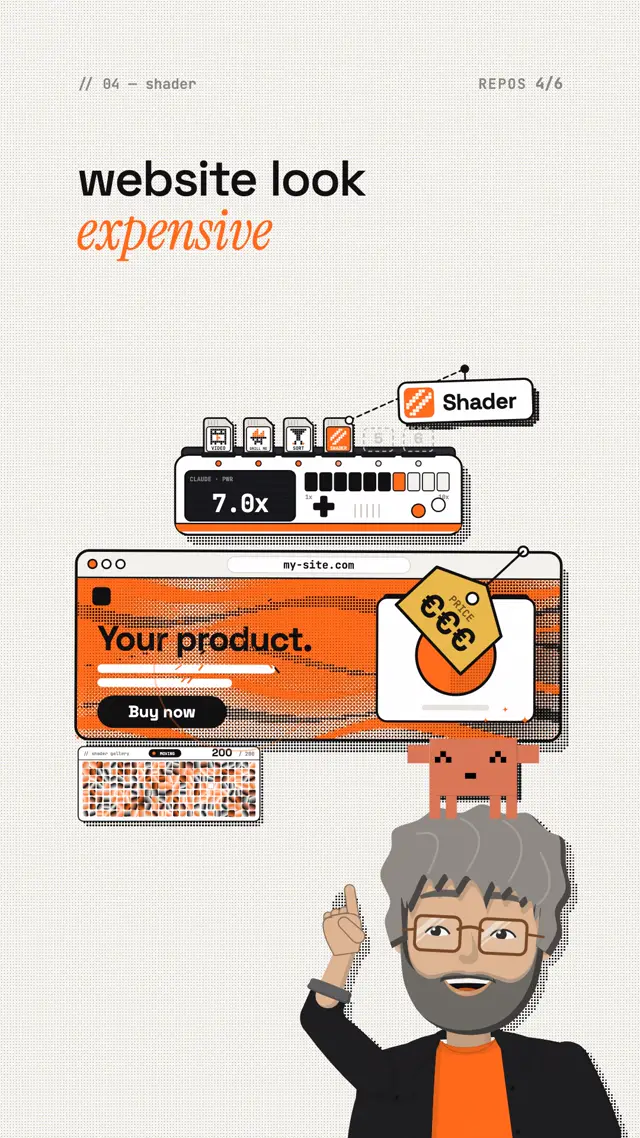
More than 200 WebGPU effects as ready-made components for React, Vue, Svelte, Solid and plain JavaScript. They give your website moving backgrounds.
Good for: Landing pages and portfolios that should look more premium.
Install in your web project · Shaders
npm install shadersShaders on GitHub: shader-effects-inc/shaders · License: MIT
5. Diagram Design
45 diagram types as HTML and SVG, such as flowchart, timeline, quadrant and org chart. A single sentence becomes a clean diagram.
Good for: Presentations, docs and explanations people get at a glance.
Install as a skill · Diagram Design
npx skills add cathrynlavery/diagram-designDiagram Design on GitHub: cathrynlavery/diagram-design · License: MIT
6. REA
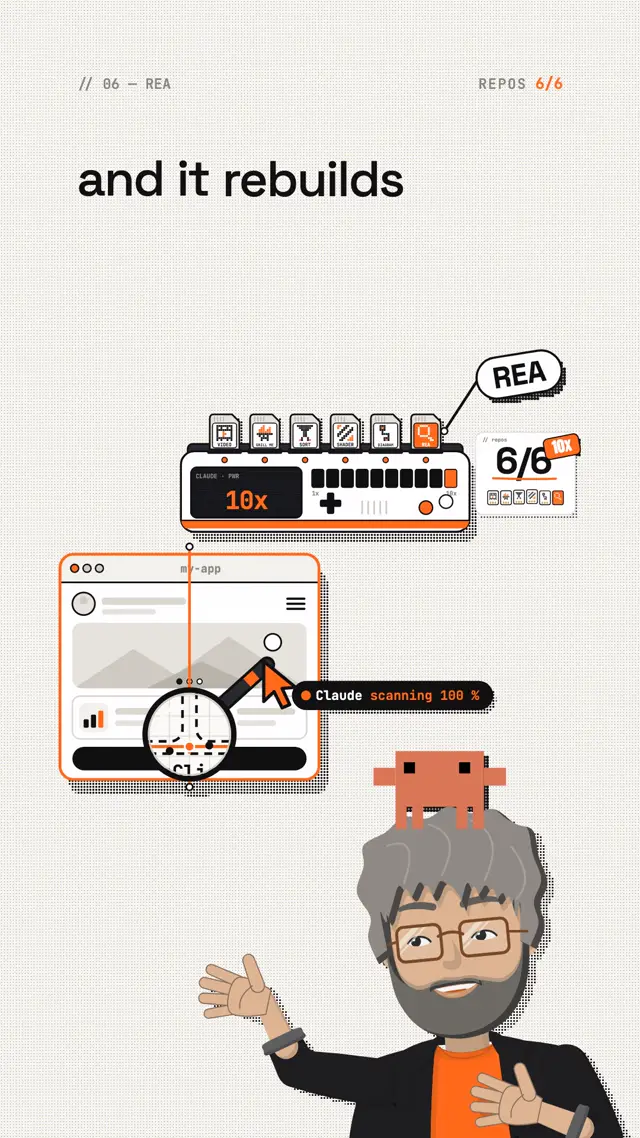
Reverse engineering with agents: you show Claude an app, and it figures out how it is built, from the app's behaviour down to native binaries.
Good for: Developers who want to understand how an unfamiliar or legacy app works. REA needs Node.js.
Install with Node.js · REA
npx rea-agents setupREA on GitHub: morluto/rea · License: MIT
The easiest way to install them
Give Claude the link to the repo and write:
"I'd like to install this GitHub repo. Read it first, then walk me through it step by step."
The commands above come from the repos' READMEs as of October 2026. Repos change, so check the current README before you install.
Safety check before every install
Read every repo before you install it. Five minutes of checking is cheaper than a problem on your machine.
- Is the owner right? Use exactly the links above. Popular repos have copies with nearly the same name.
- README read: what does it install, and what access does it want?
- Gave Claude the README and asked: "Is this safe, and what exactly does this command do?"
- License checked if you use it for clients or commercially.
- Only ran commands you understand.
My tip: where to start
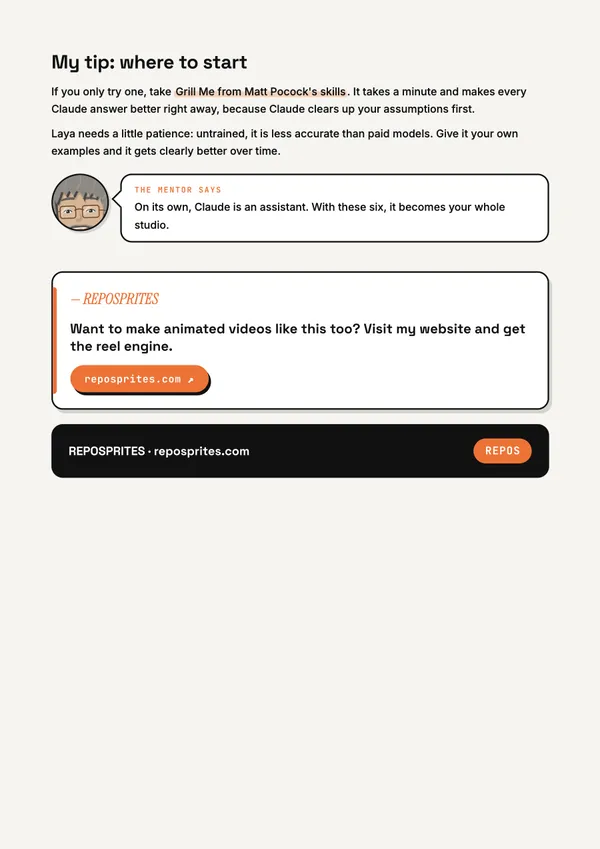
If you only try one, take Grill Me from Matt Pocock's skills. It takes a minute and makes every Claude answer better right away, because Claude clears up your assumptions first.
Laya needs a little patience: untrained, it is less accurate than paid models. Give it your own examples and it gets clearly better over time.
The reel behind this guide
This reel was made with Mentor Reels
Mentor Reels is a skill for Claude Code. From one prompt it makes a finished explainer reel with voice, animation, post texts and a PDF just like this one.
Read the transcript
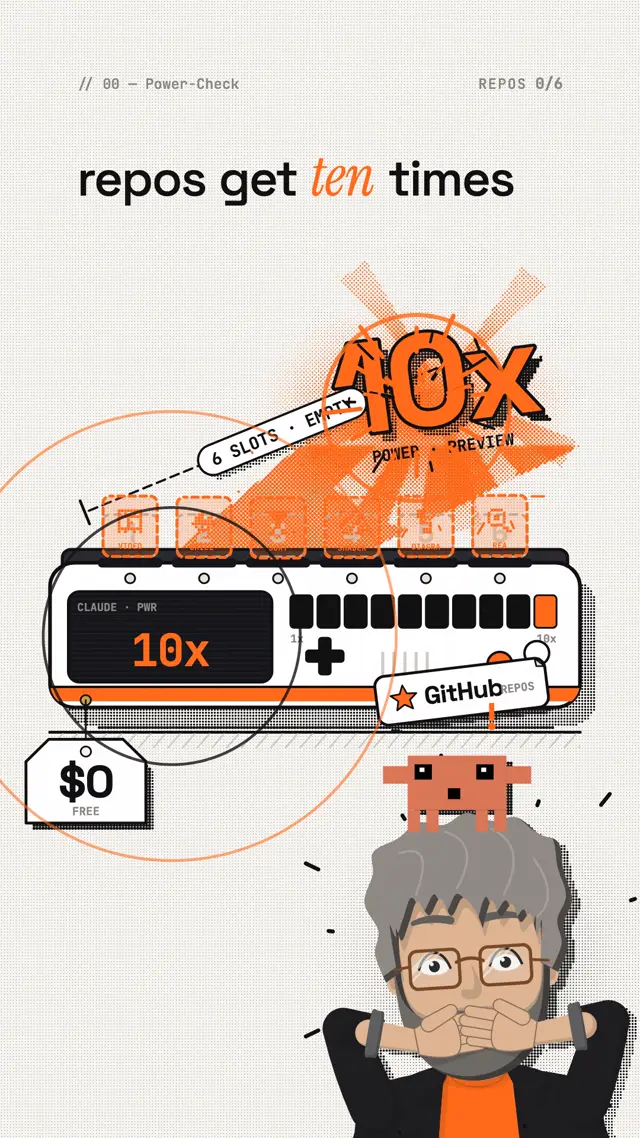
These six free GitHub repos get ten times more out of your Claude. And the last one figures out how almost any app is built. The first one is Hyperframes. With it, Claude turns a web page into a real video, right in your branding. The second one is Matt Pocock's skills. With Grill Me, Claude asks you twenty questions first, instead of just guessing. The third one is a tiny text AI that sorts your emails and comments locally, for zero dollars. The fourth one is two hundred moving shader backgrounds that make any website look expensive instantly. The fifth one turns a single sentence into a clean diagram, from flowchart to timeline. And the last one is REA. You show Claude an app, and it rebuilds how it works. On its own, Claude is an assistant. With these six, it becomes your whole studio. Comment REPOS and I'll send you all six links.
Frequently asked questions
Are the six GitHub repos really free?
Yes. All six are open source and free. Four use the MIT license, two use Apache 2.0. Both licenses allow commercial use, but read the license anyway if you use a repo for clients.
Do I need Claude Code?
For Hyperframes and Matt Pocock's skills, yes: you install them right inside Claude Code. Laya is a Python package, Shaders is a package for your web project, and REA needs Node.js. Those three also work without Claude, but Claude helps you set them up.
Are the repos safe?
Nobody can promise that across the board. Use exactly the links in this guide, because popular repos have copies with nearly the same name. Read the README, give it to Claude and ask what the command actually does. Only run commands you understand.
Which repo should I start with?
Grill Me from Matt Pocock's skills. It takes a minute and makes every Claude answer better right away, because Claude clears up your assumptions first.
Are the install commands still current?
The commands come from the READMEs as of October 2026. Repos change, so check the current README before you install, or give Claude the link and let it look up the command.
What is in the PDF?
The same as on this page, condensed to 5 printable pages: the overview table, all six links, the commands, the safety check and the tip for getting started. The download is free, no email address needed.
All of it on 5 pages to take with you
The overview, all links, the commands and the safety check as a PDF. Print it or keep it for later.